Who gets the brief emails?
By default, briefs are emailed to you at the address on your account. You can add more recipients (sales, product, execs, or clients) so your whole team stays informed.
To manage recipients:
-
Visit your Dashboard and open a project.
-
Go to step 4 Monitoring.

-
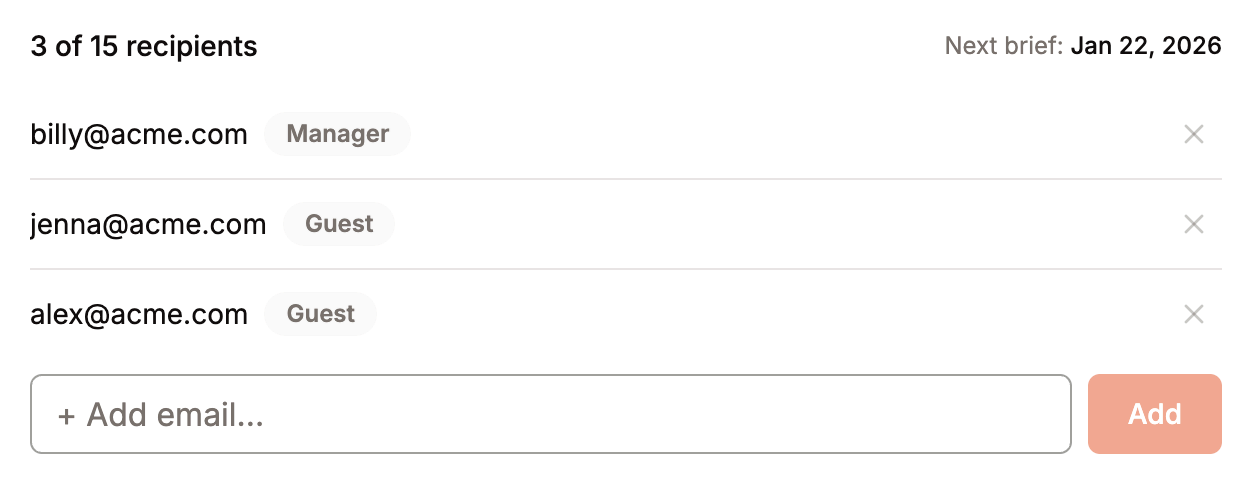
Under Brief recipients, type an email address and select Add. To remove a recipient, select the X next to their email.
For sending briefs to a Slack channel, see can I send briefs to Slack?.
Was this helpful?