How do I add my VAT or tax ID to invoices?
You update invoice details in the Stripe billing portal, which you open from inside Competely.
-
Sign in to Competely and open the Billing & Plan page.
-
Select Manage Your Billing. A loading screen redirects you to Stripe.
-
In the portal, scroll to Billing Information and select Update Information.
-
Add your Name, Address, Phone, and Tax ID. Save.
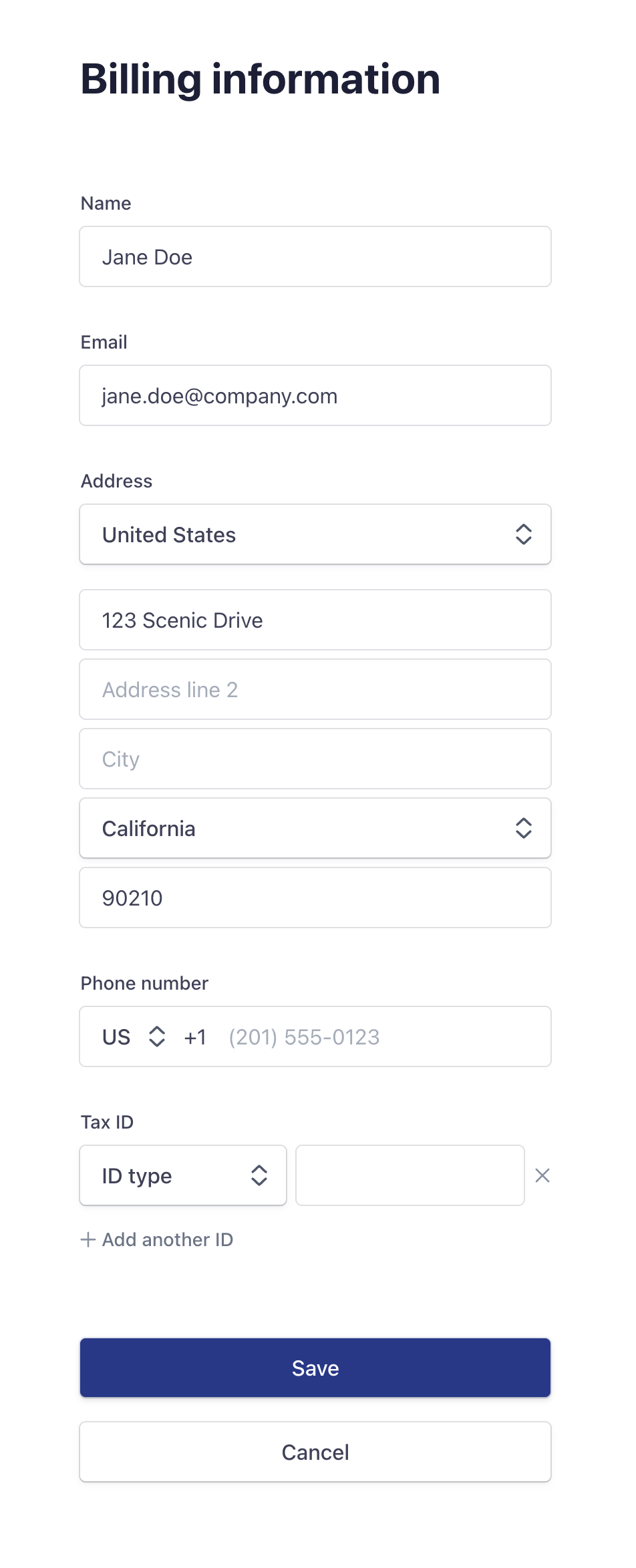
Changes apply to future invoices only. Stripe finalizes invoices once issued and can't reissue them, so add your VAT or tax ID before your next billing date.
Was this helpful?