How do I change my billing email?
You can't change the email you sign in with, but you can change the billing email where Stripe sends receipts and invoices.
-
Sign in to Competely and open the Billing & Plan page.
-
Select Manage Your Billing to open the Stripe portal.
-
Select Update Information under Billing Information and set the new email.
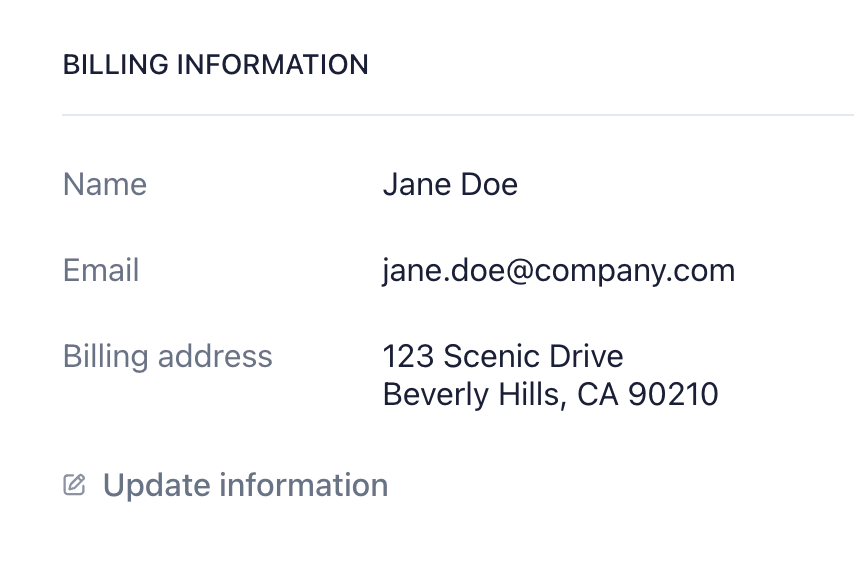
Future receipts and invoices will go to the new address. Past ones are not reissued.
If you also need to change your sign-in email, see can I change my login email?.
Was this helpful?