How do I edit my project?
To change your project's name, brief schedule, or other settings:
-
From the Dashboard, open the project you want to edit.
-
On the project page, press the gear icon (Open project settings) in the top right.

-
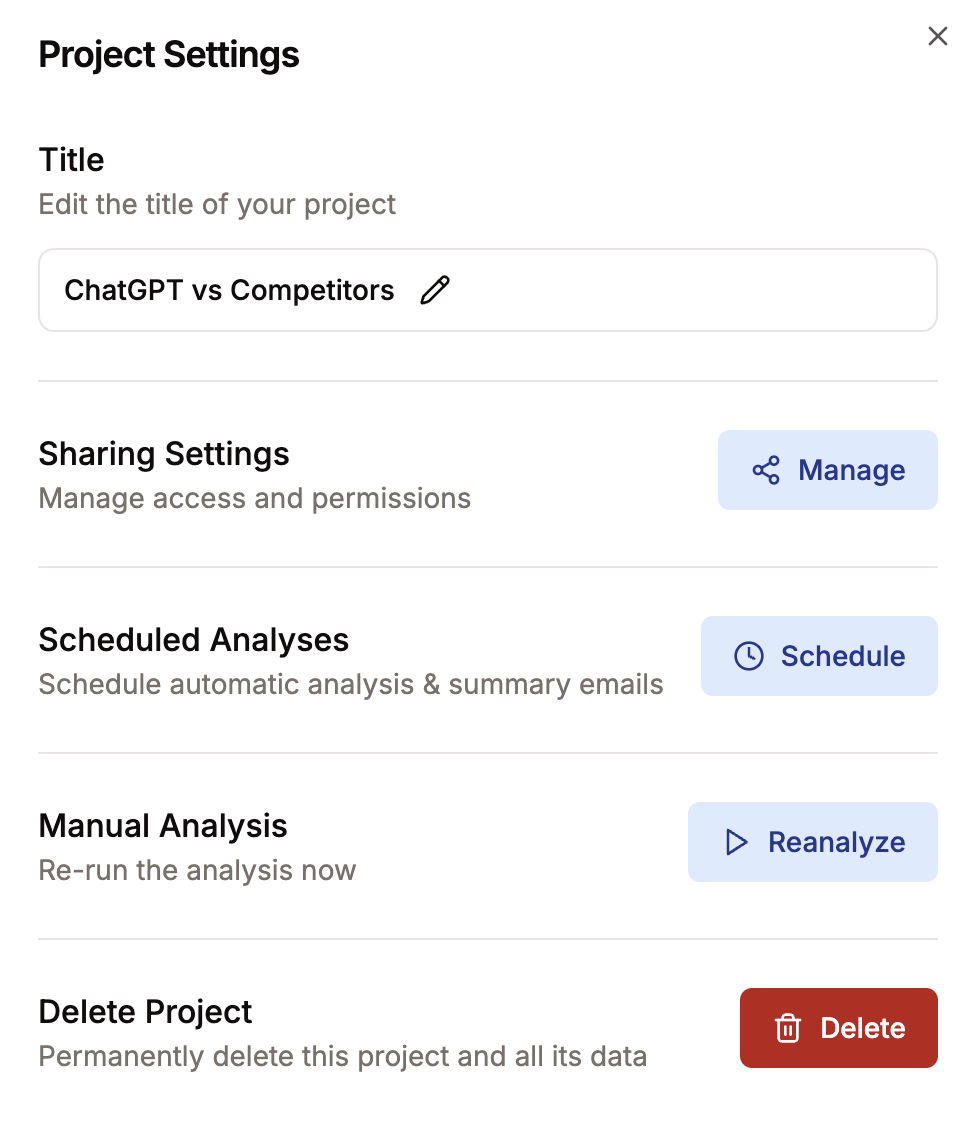
In the dialog, edit the title, Sharing Settings, Competitive Brief Emails, run a manual analysis, or delete the project.
To change the product description or URL you entered in 1 You:
-
From the Dashboard, open the project.
-
From the header navigation, select 1 You.
-
Select Change selection to edit your URL or description.

Edits don't change your existing analysis. To pick up the new inputs, re-run the analysis. See how do I re-run an analysis?.
Was this helpful?