How do I add or remove competitors?
-
From the Dashboard, open the Project you want to edit.
-
From the header navigation, select 2 Competitors.
-
To remove a competitor, press the X in the top-right corner of the competitor card.

-
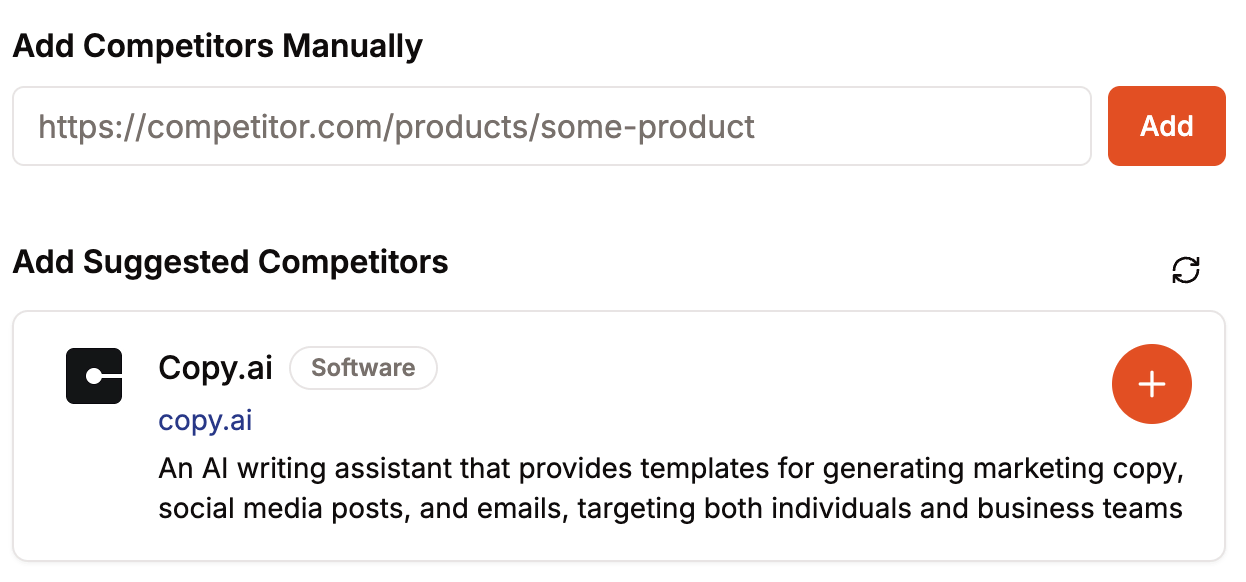
Below your list, add a competitor by typing their URL, or add a suggested one with the + button.
Changes to your competitor list don't update your existing analysis. To analyze the updated list, re-run the analysis. See how do I re-run an analysis?.
Was this helpful?